Playing on a server
Mods that change the game itself, like new weapons, loot or recipes, have to be on the server and on every player’s machine, at the same versions. Mods that only change what you see, like the map or the HUD, are yours alone. On Thunderstore, most Valheim mods are tagged client-side, server-side or both.
Give each server its own profile with that server’s mods, and switch before you join.
Crossplay
Console players can’t install mods. If anyone in your group plays on Xbox, PlayStation or Switch 2, play on a server without mods. A modded server is PC-only, with crossplay turned off.
When the console crowd is online, choose Play without mods and bring a character that has never used mods. Your profiles stay as they are.
When Valheim updates
Big updates break mods until their authors catch up. Iron Gate doesn’t support mods officially, so nothing guarantees a mod works on the day of a patch.
Keep a vanilla profile, or use Play without mods, and come back when your mods have updated.
Removing a mod
Mods that add items, building pieces or inventory slots store things the base game doesn’t know about. Load that character or world without the mod and those things can be gone for good. Use a separate character and world for vanilla sessions, and back up your saves before you remove anything.
Your characters and worlds are in the IronGate/Valheim folder:
- Windows:
%USERPROFILE%\AppData\LocalLow\IronGate\Valheim - Linux:
~/.config/unity3d/IronGate/Valheim - macOS:
~/Library/Application Support/IronGate/Valheim
Getting started
- Download Pulsar and open it.
- Choose Add game and pick Valheim. If it's installed through Steam, Pulsar finds it.
- Open Manage profiles and create a profile.
- In Browse catalog, pick your mods and choose Review install. Anything they depend on comes with them.
- Choose Play.
Popular Valheim mods
-
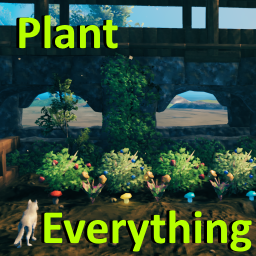 PlantEverything Plant berry bushes, mushrooms, thistle and tree types the cultivator normally can't.
 -
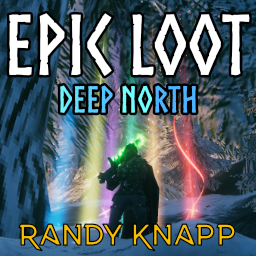 EpicLoot Magic items with random effects, new loot drops, and enchanting.
 -
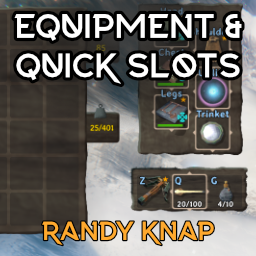 EquipmentAndQuickSlots Worn gear gets its own slots, plus up to six quick slots on hotkeys.
 -
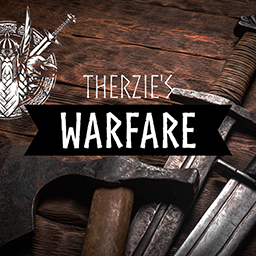 Warfare A long list of new weapons and shields for every stage of the game.
 -
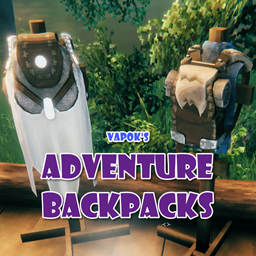 AdventureBackpacks Backpacks you craft and upgrade, which get more useful as you progress.
 -
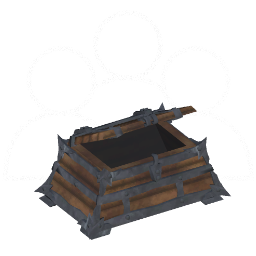 MultiUserChest Several players can use the same chest at once.
Questions
- Do my friends need Pulsar too?
- No. They need the server's mods at the same versions, however they install them.
- Do I need to install BepInEx first?
- No. Pulsar installs the BepInEx pack Valheim mods run on, along with your mods.
- Does it work with the Xbox app or Game Pass version?
- No. Pulsar works with Valheim on Steam.
- Is Pulsar free?
- Yes. Download it and start adding mods, no sign-up needed.